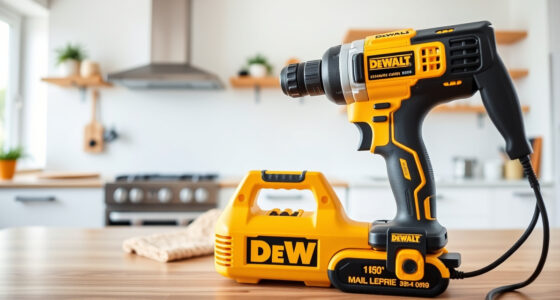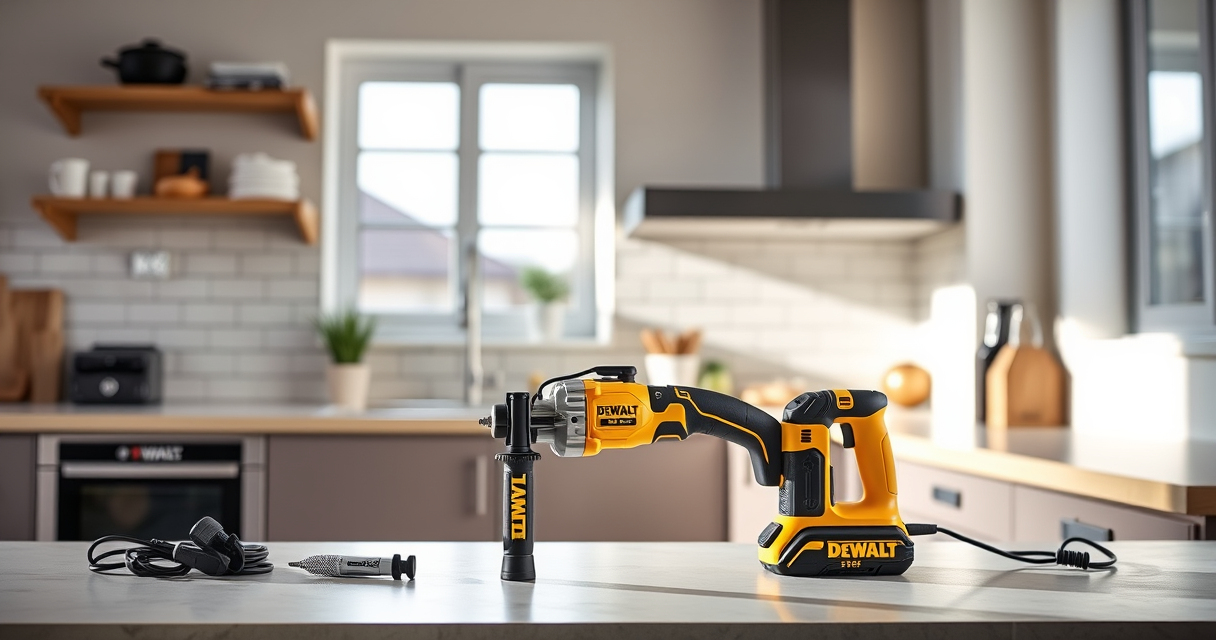

Getting your new DEWALT power tools ready for use can seem straightforward, but ensuring proper setup is crucial for safety, optimal performance, and tool longevity. Whether you’re a beginner or experienced DIYer, following a structured setup process helps prevent accidents and improves your workflow.

Get business pricing on garage and car supplies
- Business-only prices and quantity discounts
- Tax-exempt purchasing
- Multiple users, one account, clear invoices
In this guide, we’ll walk you through the essential steps to set up your DEWALT 20V MAX Cordless Drill Driver Set, including preparing your workspace, assembling the tool, installing batteries, and adding accessories. Plus, you’ll find tips for safe operation and troubleshooting common issues.
Key Takeaways
| Safety First | Always wear safety gear and read the manual before starting. |
| Proper Assembly | Ensure the drill is correctly assembled and batteries are fully charged. |
| Safe Operation | Use the LED light and grip features for precision and control. |
| Accessory Compatibility | Choose the right drill bits and accessories for your tasks. |
| Troubleshooting | Know basic fixes for common setup issues like battery or chuck problems. |
Preparing Your Workspace and Tools
Before diving into setup, find a clean, well-lit workspace free of clutter. Gather all components of your DEWALT drill set, including the drill, batteries, charger, and accessories like drill bits. Make sure you have safety gear such as goggles and gloves on hand.
Check the manual for specific instructions related to your model (DCD777D1). Confirm that your batteries are fully charged using the DEWALT charger, as a full charge ensures consistent performance during operation.
Assembling the Drill and Installing the Battery
- Remove the drill from its packaging and inspect for any damage.
- Locate the battery slot on the base of the drill.
- Align the battery (from the DCB205-2 pack or similar) with the slot, ensuring the terminals match.
- Push the battery firmly until you hear a click, indicating it is securely attached.
- Press the trigger briefly to check if the drill powers on with the LED light illuminating.
Ensure the battery is seated correctly; improper installation can prevent the drill from functioning properly or cause damage.
Using and Adjusting the Drill Settings
The DEWALT DCD777D1 features a 2-speed transmission. Use the speed selector switch to choose the appropriate setting for your task: lower speed for drilling into harder materials, higher speed for lighter work. The brushless motor provides more run time and durability, making it ideal for various applications.
Adjust the torque setting by rotating the collar near the chuck if your model has this feature. Use the ergonomic comfort grip for better control. Activate the LED light by squeezing the trigger; the light stays on for 20 seconds after releasing, aiding visibility.
Attaching Drill Bits and Accessories
- Choose the right drill bit for your material (wood, metal, plastic). For example, the DEWALT Drill Bit Set (ASIN B07DH55YRX) offers a range of sizes and types suitable for most tasks.
- Insert the bit into the chuck, tightening it securely by hand. Use the single-sleeve ratcheting chuck for quick bit changes.
- Double-check that the bit is tightly secured before operation to prevent slipping or accidents.
Always use bits compatible with 1/2-inch chucks and follow safety guidelines for maximum effectiveness.
Troubleshooting and Maintenance Tips
If your drill doesn’t turn on, check the battery connection and charge level. Use the LED fuel gauges to verify the charge. If the chuck is stuck or loose, try tightening or loosening by hand or use the chuck key if applicable.
Keep your drill clean and free of dust or debris. Store batteries in a cool, dry place and avoid exposing them to extreme temperatures. Regularly inspect the tool for wear or damage, and replace parts as needed.
If the LED light isn’t working, check the trigger switch and connections. Refer to the manual for detailed troubleshooting steps specific to your model.
The Products in This Guide

DEWALT 20V MAX Cordless Drill Driver Set
- ✔ Length: 7.6 inches
- ✔ Max Torque: 340 UWO
- ✔ Charging Time: Approximately 1 hour

DEWALT Drill Bit Set
- ✔ Length: Varies
- ✔ Tip Type: Split Point
- ✔ Application: General-purpose
DEWALT 20V MAX Cordless Drill Driver Set
The DEWALT 20V MAX Cordless Drill Driver Set is a highly reliable, lightweight, and powerful tool equipped with a brushless motor, making it suitable for a wide range of applications. Its ergonomic design and LED light enhance usability in tight or poorly lit spaces.
Pros:
- Powerful brushless motor
- Compact and lightweight
- LED work light
- Two-speed transmission
- Includes 2.0 Ah battery and charger
Cons:
- Battery life may be limited during heavy tasks
- Lack of adjustable speed trigger on some models
- Chuck size limited to 1/2 inch
Best for: General-purpose drilling, fastening, and DIY projects in tight spaces
Not ideal for: Heavy-duty industrial tasks or prolonged heavy use without extra batteries
Bottom line: A versatile, lightweight drill ideal for both DIYers and professionals needing reliable performance in tight spaces.
DEWALT Drill Bit Set
The DEWALT Drill Bit Set complements your cordless drill perfectly, offering high durability and a variety of sizes for different materials. It’s designed to reduce walking and slippage, making your drilling tasks easier and more precise.
Pros:
- Wide range of sizes
- Durable high-speed steel
- Prevents walking
- Corrosion-resistant coating
Cons:
- May require separate storage case
- Not suitable for extremely heavy-duty tasks
- Only compatible with standard chucks
Best for: Home improvement, woodworking, metalworking, plastic drilling
Not ideal for: Heavy industrial drilling or applications requiring specialized bits
Bottom line: A must-have drill bit set for reliable performance across multiple materials.
Frequently Asked Questions
How do I safely change the drill bit on my DEWALT drill?
First, turn off the drill and remove the battery for safety. Hold the chuck firmly, rotate it counter-clockwise to loosen, and remove the old bit. Insert the new bit, tighten the chuck by hand, then reattach the battery and test the setup before use.
How long does the battery typically last on a full charge?
With the 20V MAX 2.0 Ah battery included in the set, you can expect around 30-45 minutes of continuous use depending on the workload. For extended projects, keep spare batteries charged and ready.
Can I use these tools for heavy-duty commercial work?
While the DEWALT 20V MAX drill is versatile and capable for many tasks, for prolonged heavy-duty industrial applications, consider additional batteries and possibly more industrial-grade tools.
What should I do if my LED work light isn’t turning on?
Check that the trigger is fully pressed and that the battery is charged. If the light still doesn’t work, inspect the connections and contact DEWALT support if needed for further troubleshooting.
Are accessories like drill bits compatible with this drill?
Yes, as long as they are designed for a 1/2-inch chuck and suitable for your material. The DEWALT Drill Bit Set (ASIN B07DH55YRX) is a recommended accessory for optimal results.
Power Up Your Projects with Confidence
Setting up your DEWALT power tools correctly is key to safe, efficient, and effective work. By following these step-by-step instructions, you’ll ensure your drill operates smoothly and reliably, whether you’re tackling home repairs or professional jobs. Remember to always prioritize safety, use quality accessories, and keep your tools well-maintained for the best results.
Affiliate disclosure: As an Amazon Associate we earn from qualifying purchases. Prices and availability are accurate as of the time of publishing.
Columbus Day / Indigenous Peoples' Day Picks
long weekend sales
As an affiliate, we earn on qualifying purchases.