
Maintaining your DEWALT XR Impact Driver is essential for ensuring optimal performance and longevity. Proper cleaning removes dirt, debris, and dust that can impair function. This guide provides simple, step-by-step instructions to help you clean your impact driver safely and effectively.

Get business pricing on garage and car supplies
- Business-only prices and quantity discounts
- Tax-exempt purchasing
- Multiple users, one account, clear invoices
Always follow safety precautions and refer to your user manual when necessary. Regular cleaning can extend your tool’s lifespan and ensure it works reliably on every job.
Key Takeaways
| Safety First | Always disconnect the impact driver from the battery before cleaning. |
| Use the Right Tools | Soft brushes and compressed air are recommended for cleaning. |
| Avoid Water Damage | Never submerge the impact driver or use excessive moisture. |
| Focus on Vents & Chuck | Clean air vents and the chuck area for optimal cooling and bit changes. |
| Regular Maintenance | Clean after each use or after heavy work to prevent buildup. |
Preparation and Safety
- Turn off the impact driver and remove the battery to prevent accidental activation.
- Wear safety glasses to protect your eyes from dust or debris.
- Gather cleaning supplies: soft brushes, compressed air, a damp cloth, and mild cleaning solution if necessary.
Cleaning External Surfaces
- Use a dry or slightly damp cloth to wipe down the exterior of the impact driver.
- Gently brush around the vents and switch areas with a soft brush to remove dirt and dust.
- Avoid using harsh chemicals or immersing the tool in water.
Cleaning the Chuck and Bit Area
- Remove any bits from the chuck.
- Use compressed air to blow out dust and debris from the chuck and around the mechanism.
- If necessary, clean the chuck with a cloth slightly dampened with a mild cleaner, then dry thoroughly.
Maintaining Air Vents and Internal Components
- Use compressed air to blow out dust from air vents, ensuring proper airflow and cooling.
- Do not insert objects into vents or openings.
- Reassemble your tool only after all parts are dry.
Final Checks and Reassembly
Inspect the tool for any dirt or debris missed. Reinstall the battery and test the impact driver to ensure everything functions smoothly. Store in a clean, dry place.
The Products in This Guide

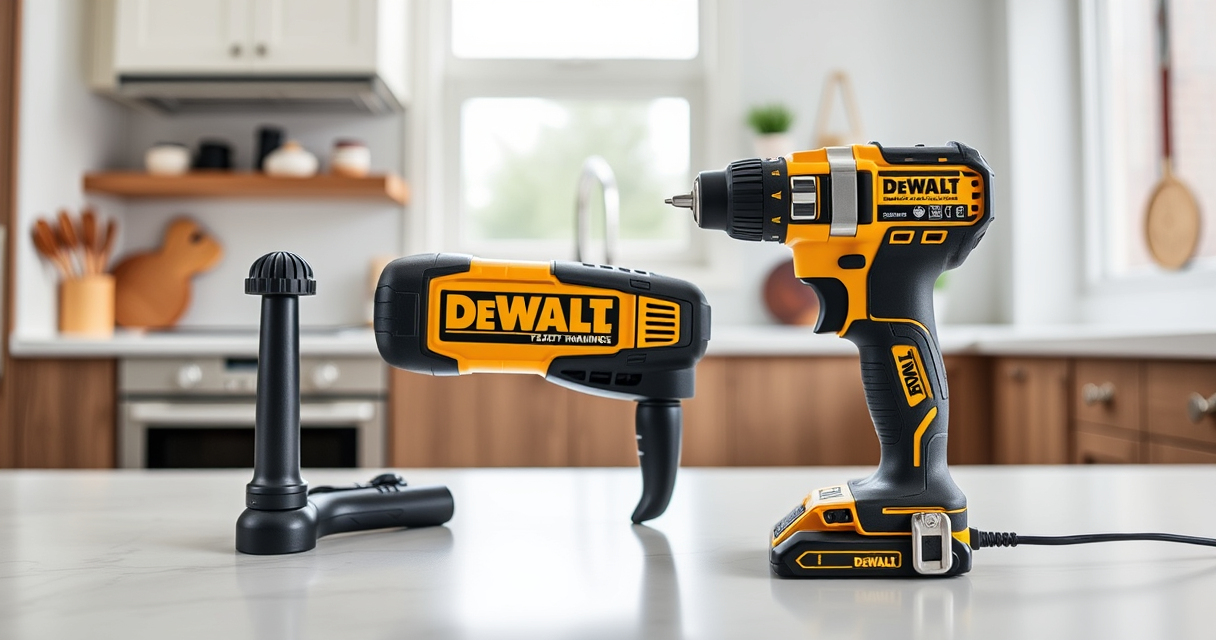
DEWALT 20V MAX Cordless Drill and Impact Driver
- ✔ Weight: 3.3 lbs
- ✔ Battery: Includes 2 batteries
- ✔ Charging: Includes charger

DEWALT Drill Bit Set
- ✔ Compatibility: For Plastic, Wood, Metal
- ✔ Durability: Resists breakage
- ✔ Precision: Split point reduces walking
DEWALT 20V MAX Cordless Drill and Impact Driver
The DEWALT 20V MAX Cordless Drill and Impact Driver offers a compact, lightweight design with an ergonomic grip, making it easy to handle in tight spaces. Its brushless motor ensures durability and efficiency, while the bright LED enhances visibility. Regular cleaning keeps it performing at its best.
Pros:
- Lightweight and compact
- Ergonomic grip for comfort
- Brushless motor for durability
- Bright LED for visibility
Cons:
- Requires proper maintenance to avoid dust buildup
- Can be sensitive to moisture if not cleaned properly
Best for: DIY enthusiasts and professionals needing a reliable impact driver
Not ideal for: Heavy-duty industrial environments without regular cleaning
Bottom line: Keep your impact driver clean for optimal performance and longevity.
DEWALT Drill Bit Set
Pair your impact driver with this durable DEWALT drill bit set, designed for plastic, wood, and metal. The 135-degree split point helps reduce walking, ensuring precise drilling.
Pros:
- High-speed steel construction
- Rust-resistant coating
- Easy size identification
- Tapered web for durability
Cons:
- Limited to bit applications
- Requires compatible chuck
Best for: Home improvement projects and professional carpentry
Not ideal for: Heavy-duty industrial drilling
Bottom line: A versatile drill bit set that complements your impact driver.
Frequently Asked Questions
How often should I clean my impact driver?
It’s best to clean your impact driver after every heavy use or at least once a month to prevent dust buildup and ensure proper operation.
Can I use water to clean the impact driver?
No, avoid using water or excessive moisture. Use a damp cloth and compressed air to clean external parts safely.
What should I do if the vents are clogged?
Use compressed air to blow out dust from the vents gently. Do not insert objects into the vents to prevent damage.
Is it safe to clean the impact driver with solvents?
No, use only mild cleaning solutions and avoid harsh chemicals that could damage plastic or rubber parts.
Keep Your Impact Driver Performing Its Best
Regular cleaning and maintenance of your DEWALT XR Impact Driver ensure it remains reliable and efficient for all your projects. Follow these simple steps to keep it in top condition, and you’ll enjoy smooth operation for years to come.
Affiliate disclosure: As an Amazon Associate we earn from qualifying purchases. Prices and availability are accurate as of the time of publishing.
Fall Picks
fall essentials
As an affiliate, we earn on qualifying purchases.